Build the aircraft
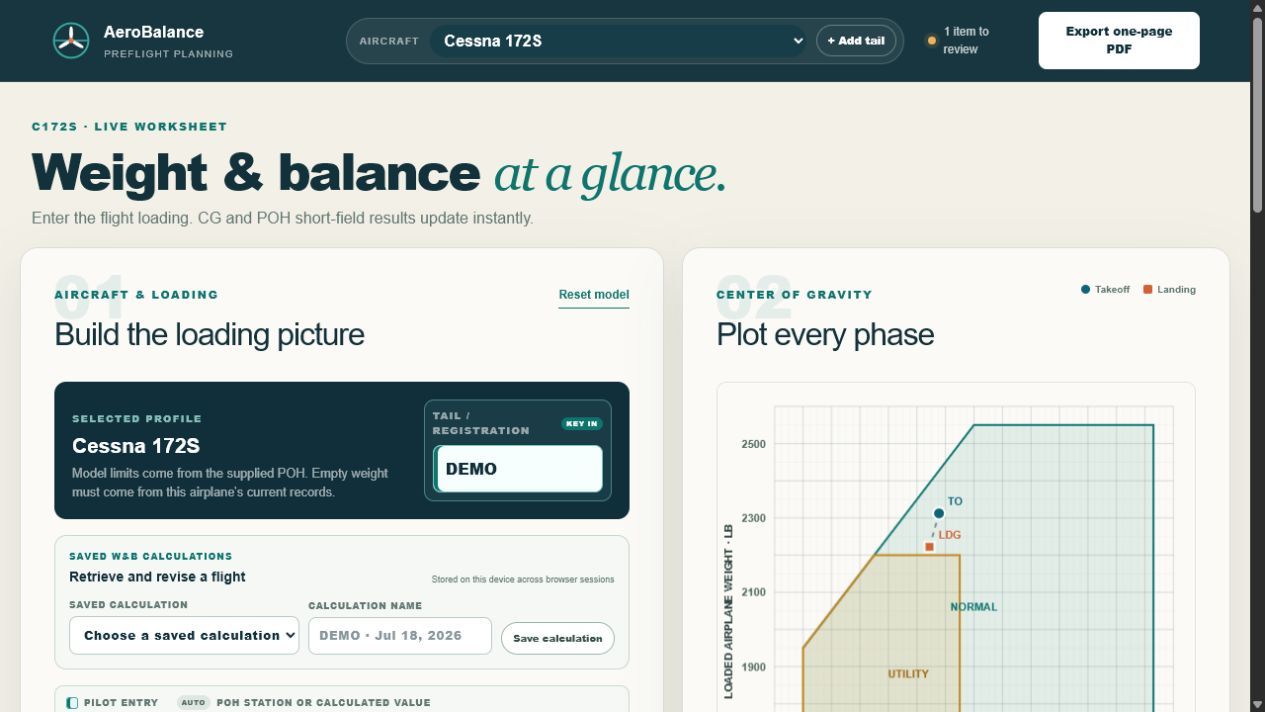
Enter this tail number's current empty weight and arm, then add people, baggage, and fuel.
AeroBalance
I started with a C172S weight-and-balance worksheet. It grew into a browser tool with 21 checked aircraft profiles, live weather, and runway calculations.
01 · What I built
I started with the Cessna 172S, then grew the worksheet into a browser product that connects loading, CG, weather, and short-field runway performance.
Enter this tail number's current empty weight and arm, then add people, baggage, and fuel.
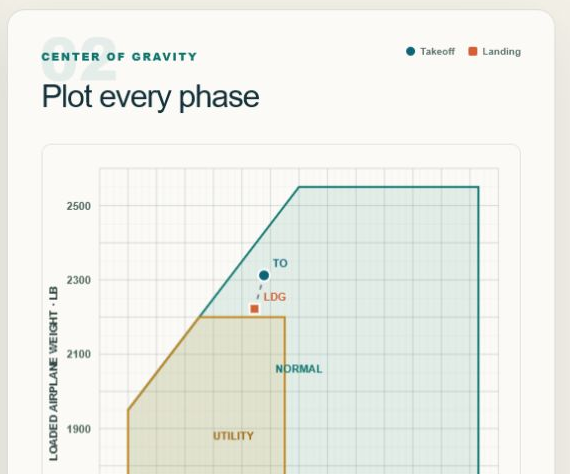
Plot takeoff and landing CG on the envelope and keep the underlying math visible.
Bring weather and runway inputs into the same flow as the aircraft loading plan.
02 · Loading and center of gravity
The left side builds the loading picture. The right side shows where takeoff and landing sit inside the published envelope.
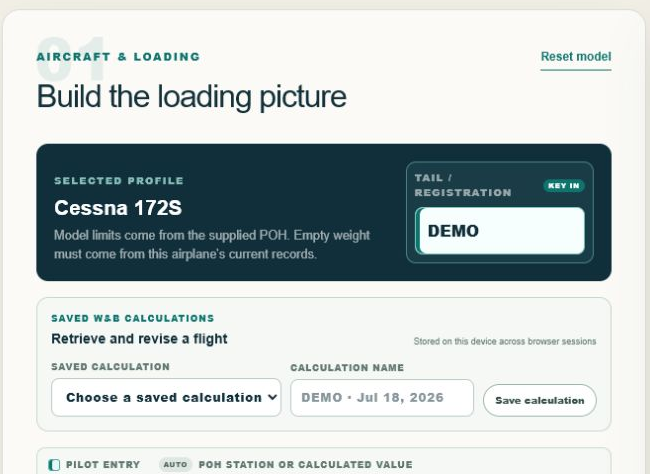
The product fills in published station arms and fuel conversion when the POH defines them.
Weight, moment, and CG stay visible through taxi, takeoff, fuel burn, and landing.
03 · Runway performance
AeroBalance combines field elevation, altimeter, temperature, runway heading, wind, and surface with validated POH tables.
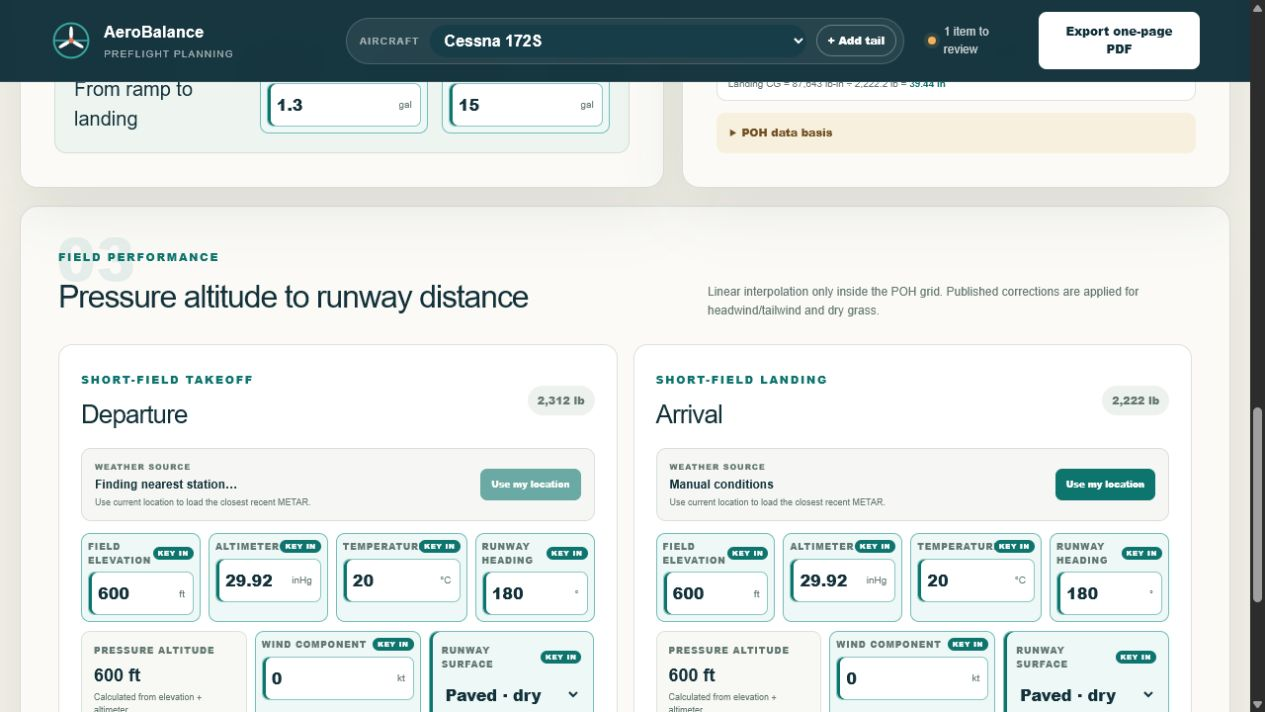
Location can load the closest recent complete METAR, while every field remains editable.
Pressure altitude, weight, temperature, wind, and surface corrections stay within validated table limits.
Outside the supported range, the product returns a clear limit instead of extrapolating.
04 · Checked aircraft data
The audit separates manuals I have collected from aircraft profiles I have checked closely enough to calculate with.
Source documents audited
118The retained POH, AFM, owner-manual, and pilot-information library was inventoried, classified, and checked after removing 13 partial or non-manual files.Valid source PDFs
118Every PDF in the audited library passed the file validation check; no duplicate groups were found.Catalog entries
98The 102 raw model and edition records were normalized into a searchable catalog while retaining their source status.Calculation-ready profiles
21Only aircraft with visually checked loading limits, station arms, usable fuel, baggage limits, and CG-envelope data are exposed for calculation.05 · How it grew
The first profile came from a C172S information manual, with source pages recorded for loading limits, stations, fuel, CG envelopes, and performance tables.
Published station arms, fuel conversion, location weather, pressure altitude, and runway wind components reduce repetitive entry while leaving aircraft-specific values with the pilot.
The product exposes moment, weight, and CG calculations for ramp, takeoff, and landing, then places those phases on the envelope instead of showing only a pass or fail.
Audit and catalog scripts classify the document library, normalize aircraft names, and promote only validated profiles into the working product. The latest review added the Cessna 182S, Diamond DA20-C1, Diamond DA40-180, and Piper PA-28-181 Archer II.
06 · What works today
Planning coverage
21 profilesCalculation-ready aircraft profiles backed by checked loading data.Flight phases
Ramp → landingOne trace carries the loading picture through taxi and planned fuel burn.Portable output
1-page briefA Letter landscape print view keeps the calculation and CG envelope together.Open to senior and principal product roles
I can set direction, work through hard technical details, and help a team ship.